Community translations by
veiseule.ai
— Help improve them on
Crowdin
Open
Claw
Docs
Community-maintained translations of the OpenClaw documentation, powered by
veiseule.ai
.
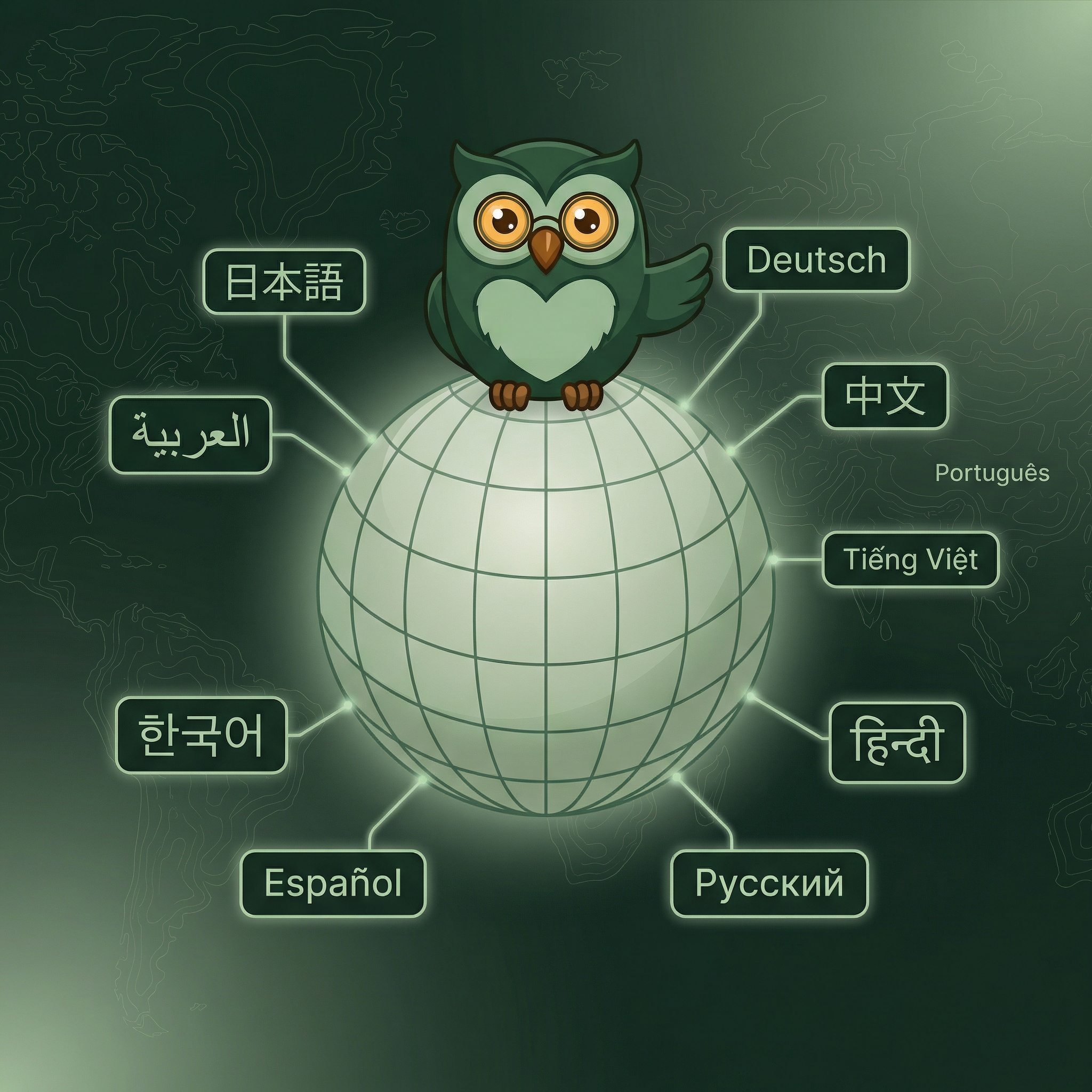
23 languages available
Choose your language
English
Documentation
Dansk
Dokumentation
Deutsch
Dokumentation
Español
Documentación
Filipino
Dokumentasyon
Français
Documentation
Nederlands
Documentatie
Oʻzbek
Hujjatlar
Polski
Dokumentacja
Português
Documentação
Svenska
Dokumentation
Tiếng Việt
Tài liệu
Türkçe
Belgeler
Русский
Документация
اردو
دستاویزات
العربية
التوثيق
हिन्दी
दस्तावेज़ीकरण
ไทย
เอกสาร
မြန်မာ
စာရွက်စာတမ်း
日本語
ドキュメント
简体中文
文档
繁體中文
文件
한국어
문서